Precision in rug design.

RugCAD is professional design software built for rug and kilim patterns, made for the daily work of pattern designers, pattern sizers and weaving workshops. Every knot is a pixel, every colour is a yarn on the loom: what you design is exactly what will be woven.

Try it free for 30 days Download (licence holders) Current version 2.1.12 · Windows 10 / 11 (64-bit)
Files
PAT, DES, BMP, RCD
Interface
Türkçe, English, العربية
Licence
Per computer, 30-day trial
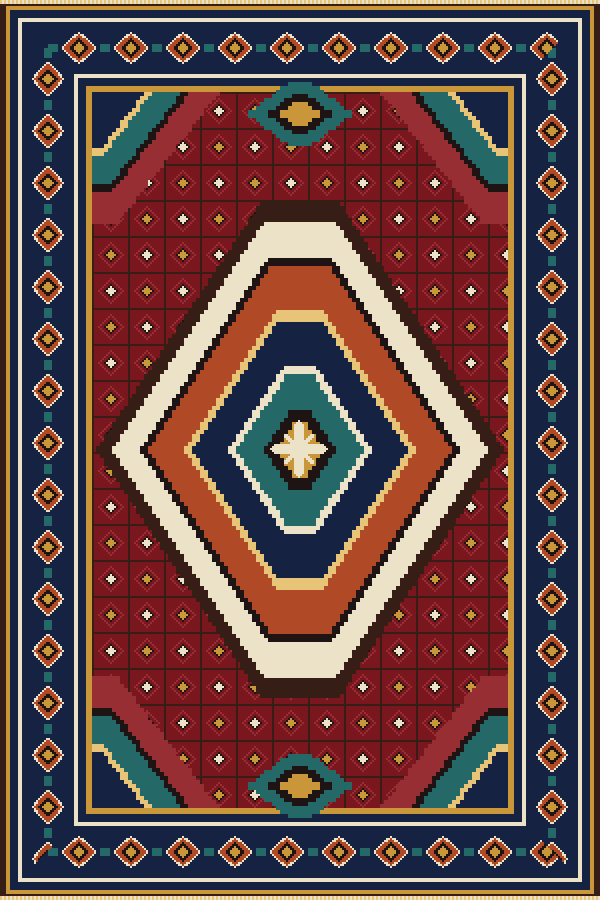
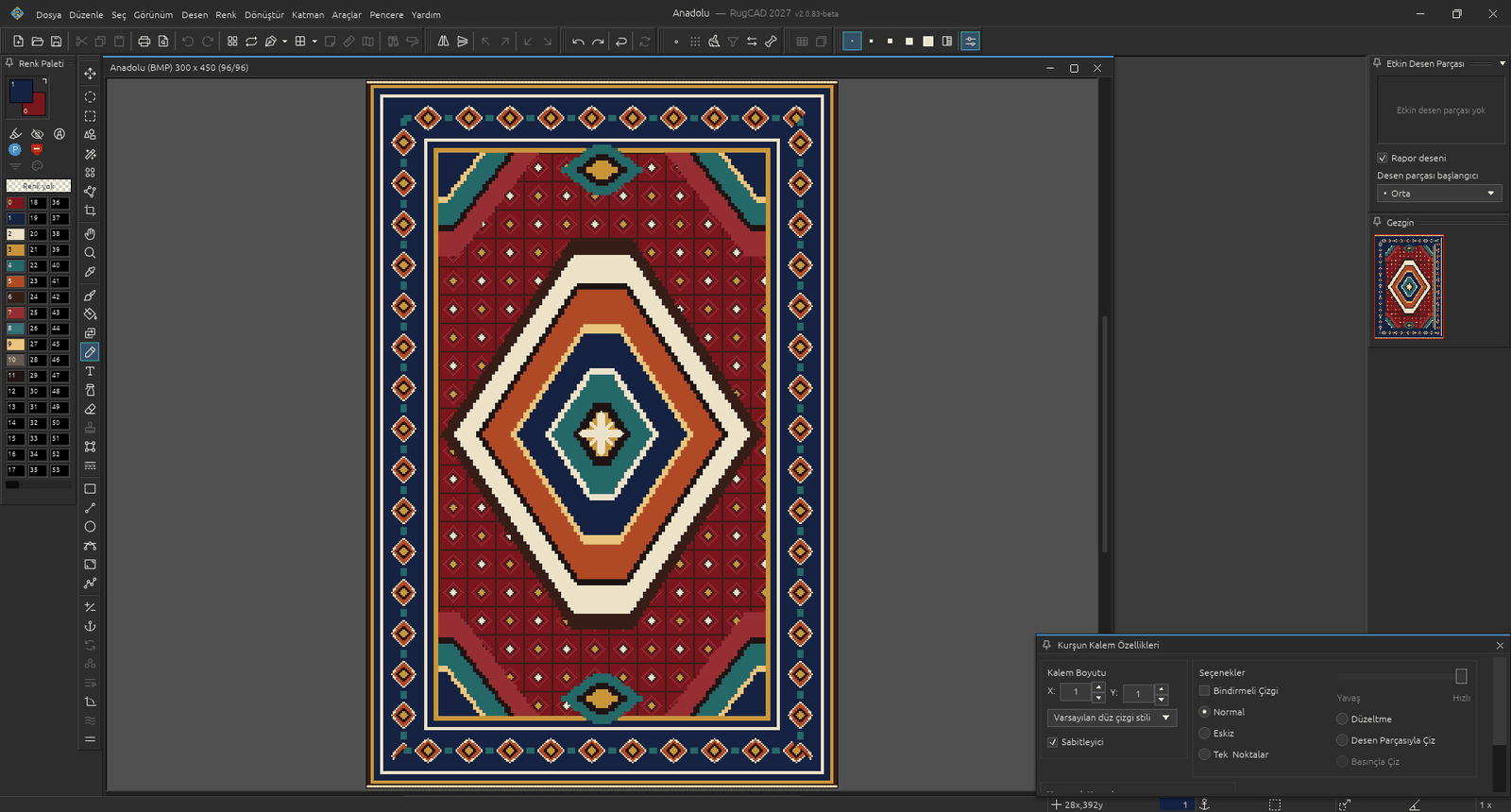
An Anatolian rug pattern designed with RugCAD: navy border, madder-red field, a five-layer diamond medallion in the centre
A sample pattern drawn in RugCAD: 300 × 450 knots, 12 yarn colours.

The workspace

Palette, tools and pattern in a single window. The dark theme is easy on the eyes during long working hours.

An Anatolian rug pattern open in the RugCAD workspace, with the colour palette on the right

Built around weaving

The drawing surface is not a picture but a grid of knots. Everything is thought of in knot counts, colour counts and the repeat.

A file that goes to the loom

The pattern only uses the colours in the palette; the number of colours you see on screen is the number of yarns on the loom.

An effortless move from Texcelle

Patterns you prepared in Texcelle open with their palettes and colour numbers; the archive you have built up over the years comes with you. Tools and shortcuts are where you are used to them, so you start working on day one.

For everyone who works with patterns

Prepared with the needs of every step in mind, from design to sizing and from sizing to the loom.

Pattern designers

Put the idea straight into knots: draw with a tablet and let the drawing assistant steady your hand. Draw on the repeat to see the joins instantly, and compare colour variations side by side.

Pattern sizers

Resize and Scale are ready for moving a pattern to a new size. Add and remove rows and columns knot by knot to reach the size without disturbing the border or the medallion, and keep the paper format and density under control.

Workshop and production

The colour statistics show how many knots each yarn takes. The Excel sheet gathers the row-by-row colour counts in one file; with the print layout, the pattern comes out on paper in a form that can be read at the loom.

Designed for pattern work

Not a general-purpose image editor: a workspace made around knot counts, the repeat and the yarn palette.

Every colour is a yarn

The pattern works with indexed colour: every colour in the palette corresponds to a yarn. Changing a colour, swapping two colours or seeing how many knots a colour is used in takes a single click.

  • Rug effects: shading, abrash, cloud, melange and a gradient with a woven structure
  • Effects only use the palette colours you choose and never create a new colour
  • The right number of colours, the right number of yarns
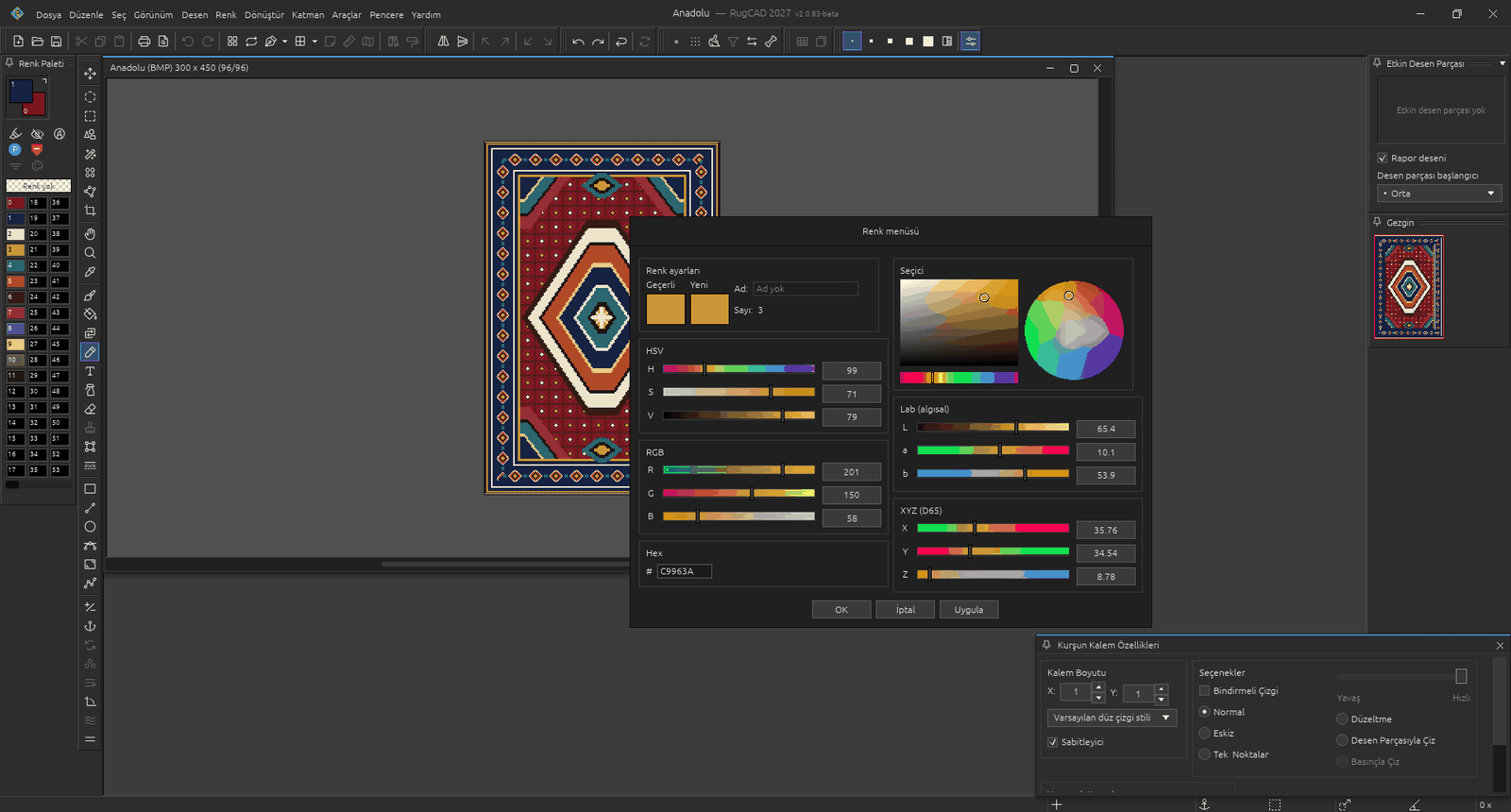
RugCAD colour palette and effects: every colour is a yarn

Repeat view

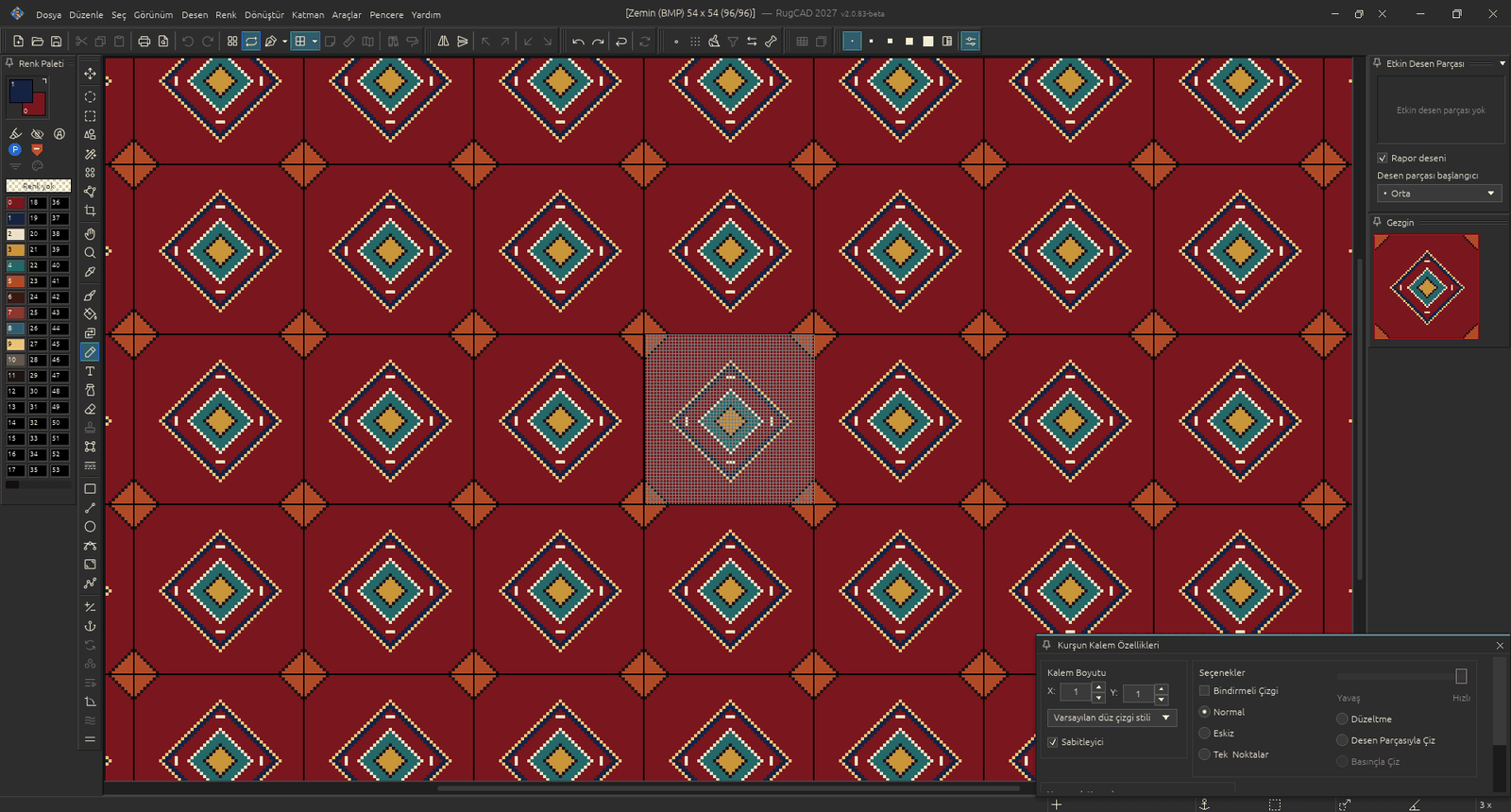
See the pattern in its repeated form and draw directly on the repeat. The joins stay under control while you draw.

  • Mirrored and drop repeats
  • A change to a single knot shows instantly in every repeat
  • Check how the border and field fit together without saving
RugCAD repeat view: a mirrored, repeated pattern

Knot-by-knot control

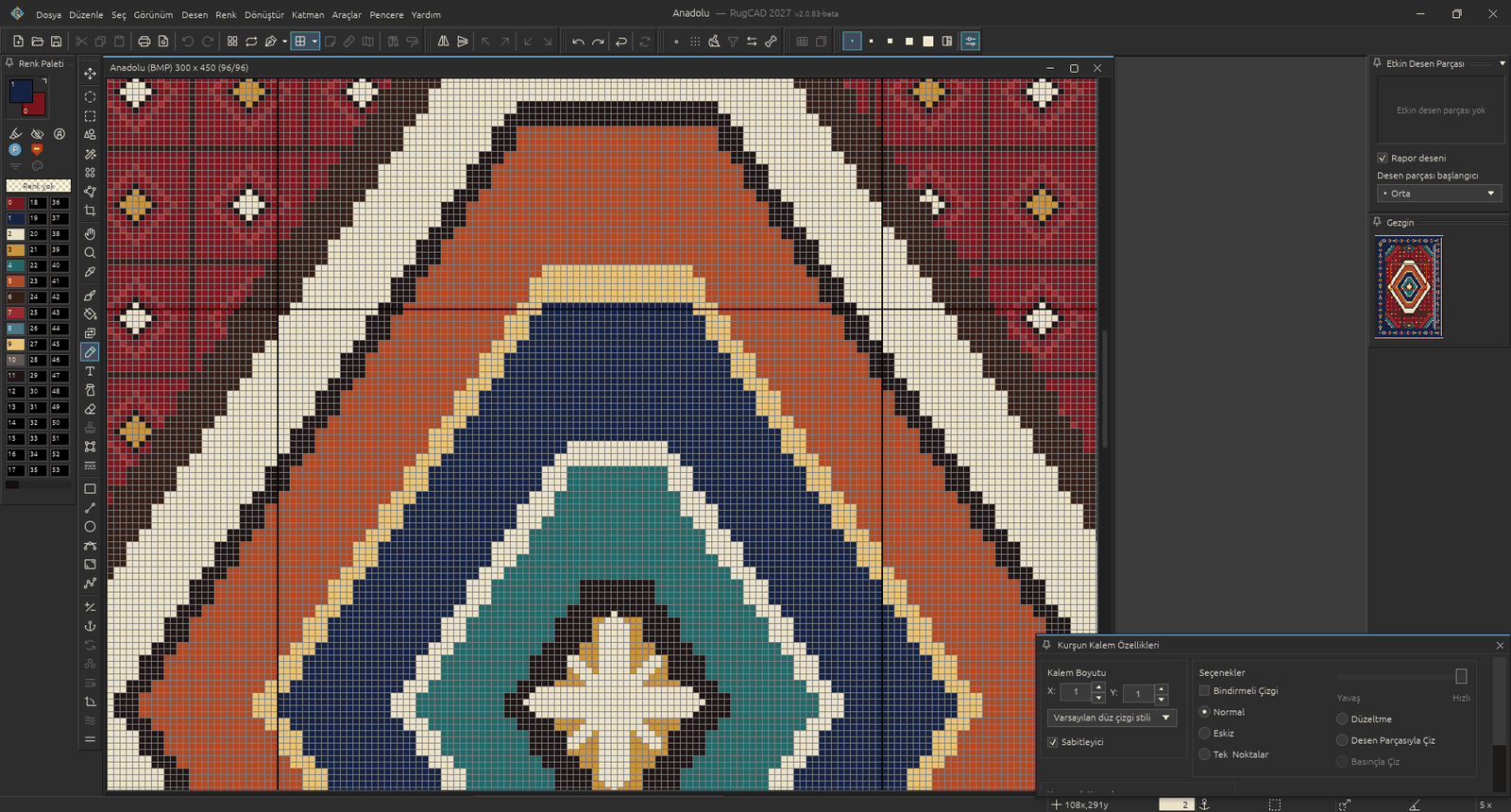
When you zoom in the grid appears; every knot is a separate decision. The tools are made for this precision.

  • Insert and delete rows and columns
  • Locked line, clone stamp, bucket fill
  • Outline and border tools, area and motif selection
  • Wacom and XP-Pen tablets, with the pen side button as a right click
A pattern zoomed in to knot level, with the grid visible

Compare side by side

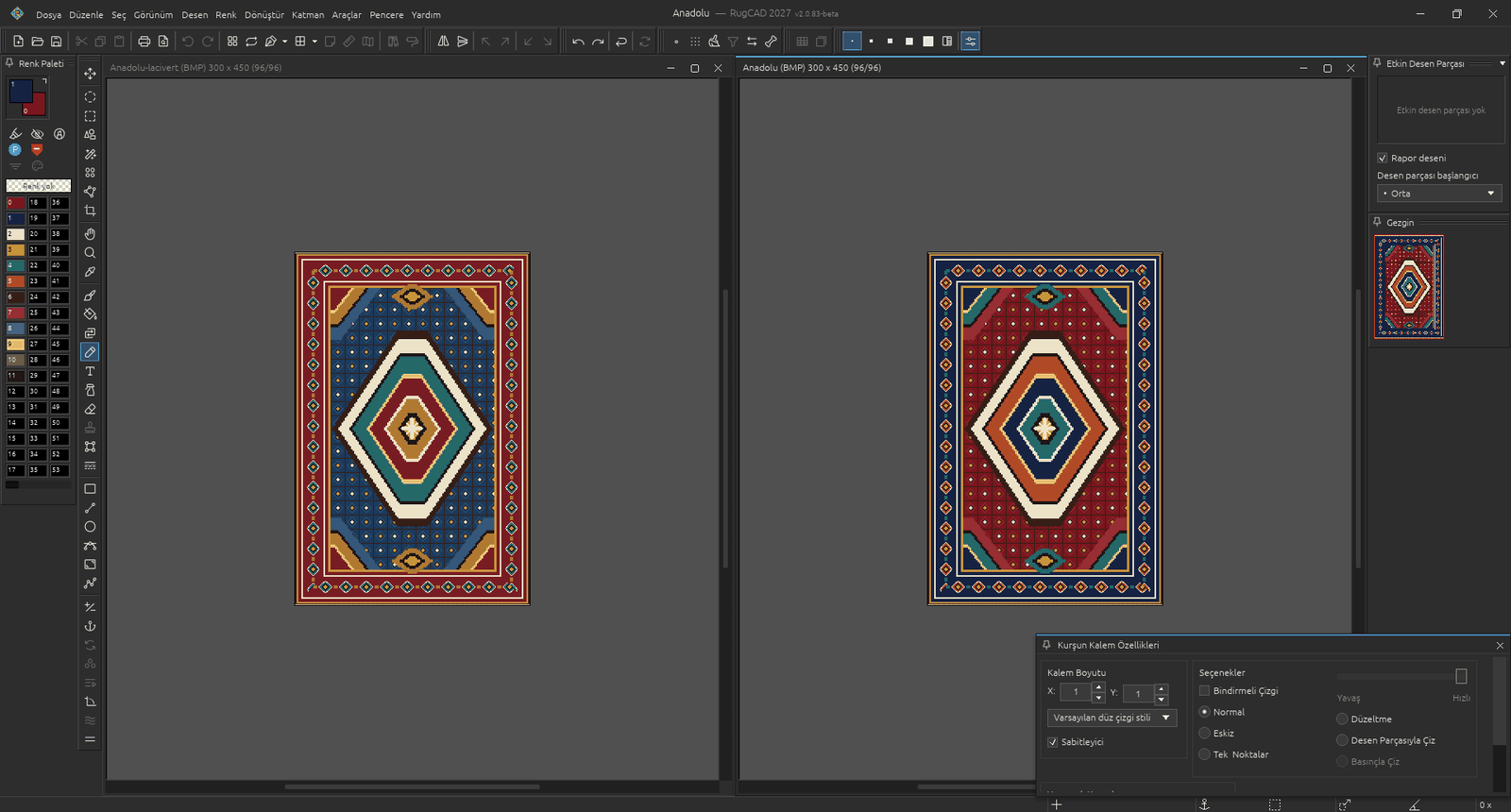
Open two patterns on the same screen and see the differences. Browse your folders with the built-in file browser; “Open with RugCAD” from Windows Explorer works too.

  • Review customer revisions side by side
  • Browse your folders from inside the program
  • Document recovery after a crash: your work is not lost
Two patterns compared side by side in RugCAD

Also

Details that make a difference in daily work.

True-colour images and layers

Work with true-colour images and layers; the RCD format keeps the layers.

Drawing assistant

Smoothing (stabiliser), symmetry and curve assistance keep hand drawing clean.

Interface in three languages

Türkçe, English and العربية. The Arabic interface works right to left.

Updates itself

The launcher checks for a new version; the update is completed outside the application.

Per-computer licence

The licence is tied to the computer it is installed on. You use the trial for 30 days with all features.

Document recovery

After an unexpected shutdown, RugCAD brings your work back when it opens.

The texture of a rug, in the colours of the palette

The marks of hand weaving such as shadow, abrash and melange come with a single fill. No blended colours are produced: each knot takes one of two neighbouring palette colours, and a weave pattern spreads them between.

  • Rug shading
  • Abrash bands
  • Antique cloud
  • Melange yarn

The result is still a pattern the loom can read; the number of colours does not grow and the yarn list does not change.

A knot-level view of a pattern filled with the abrash effect

How to get started

RugCAD is licensed per computer. The trial and a purchase follow the same three steps.

  1. Get in touch

    Send us your trial or licence request. Our team will guide you through the first setup.

  2. Send the machine code

    Send the code to [email protected]; your 30-day trial or permanent licence file is prepared.

  3. Install the licence

    Choose the licence file during setup. Updates arrive by themselves when RugCAD starts.

Try it free for 30 days

With all features, on your own patterns.

Request a trial licence

Release history

40 releases

Discover what changed in each release: new features, improvements and fixes in one place.

Updates are in your application.RugCAD checks for new versions when it starts. You can complete the update from within the application.

All release notes

Contact

Write to us for licences, demos and technical support.

Support and licences

[email protected]

Developer

Hasan YILDIRIM
[email protected]

WhatsApp

+90 535 081 76 99

YLDRMTECH

Ready for the future.
YLDRMTECH.com

Instagram

@yldrmtech